





If you’re new to crypto and wondering how to buy Bitcoin with Apple Pay in 2026, this guide will help you every step of the way. We’ll explain how to get started, the fees and limits to watch out for, and give you solutions for common issues you might encounter.
At Guardarian, we aim to make buying crypto easy and accessible for everyone, especially beginners.
Quick summary
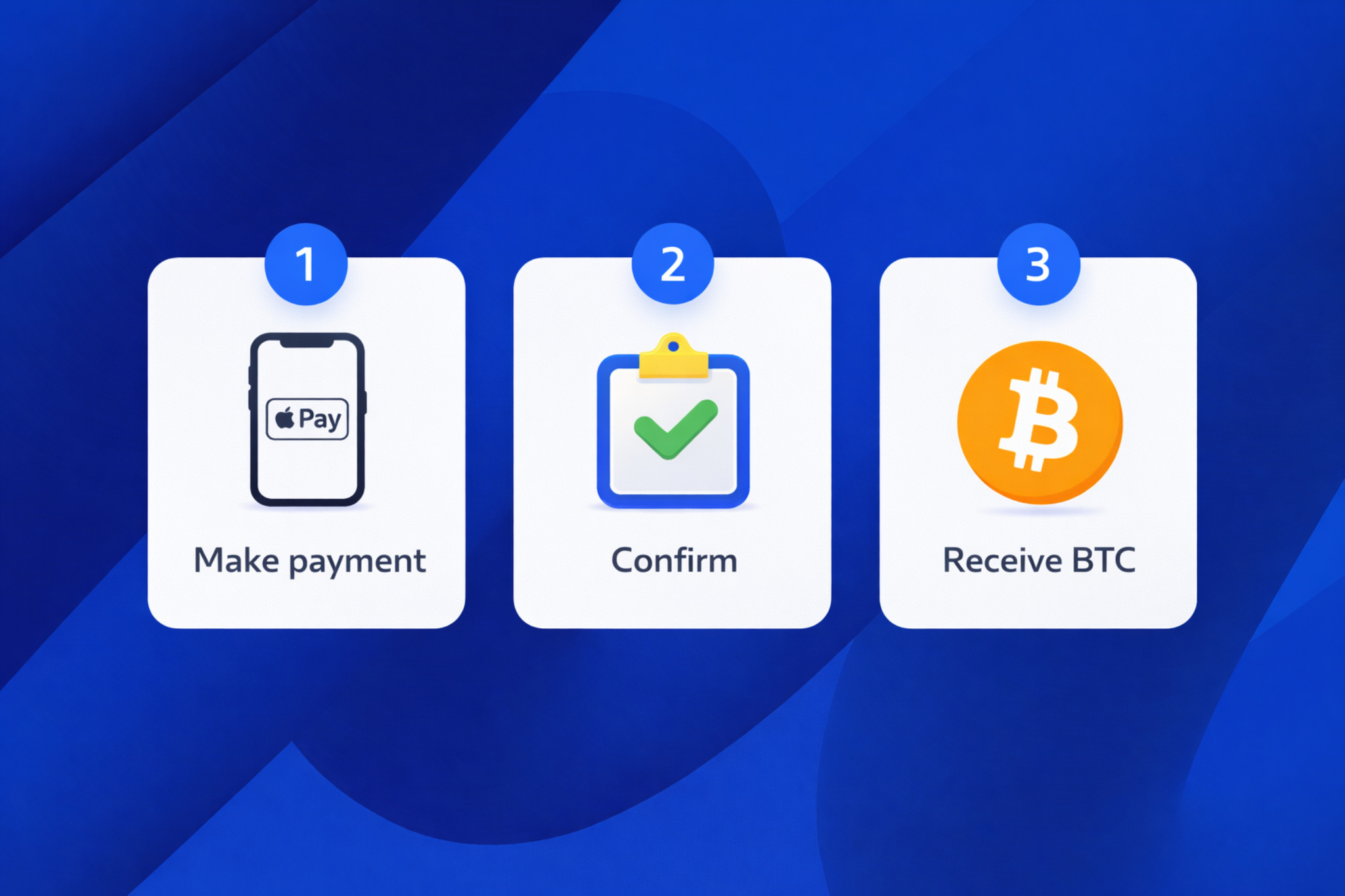
Normally, to purchase BTC with Apple Pay, you will have to follow these steps:
- Find a platform
- Complete a KYC (Know Your Customer) verification
- Choose a fiat currency (USD, EUR) for the transaction
- Submit Apple Pay as a payment service and confirm the payment
- Enter your billing info
- Wait for your finances to arrive in your internal fiat balance
- Enter the amount of fiat currency to spend on the chosen crypto.
- Commit the exchange
- Wait for the platform approval
- Congratulations!
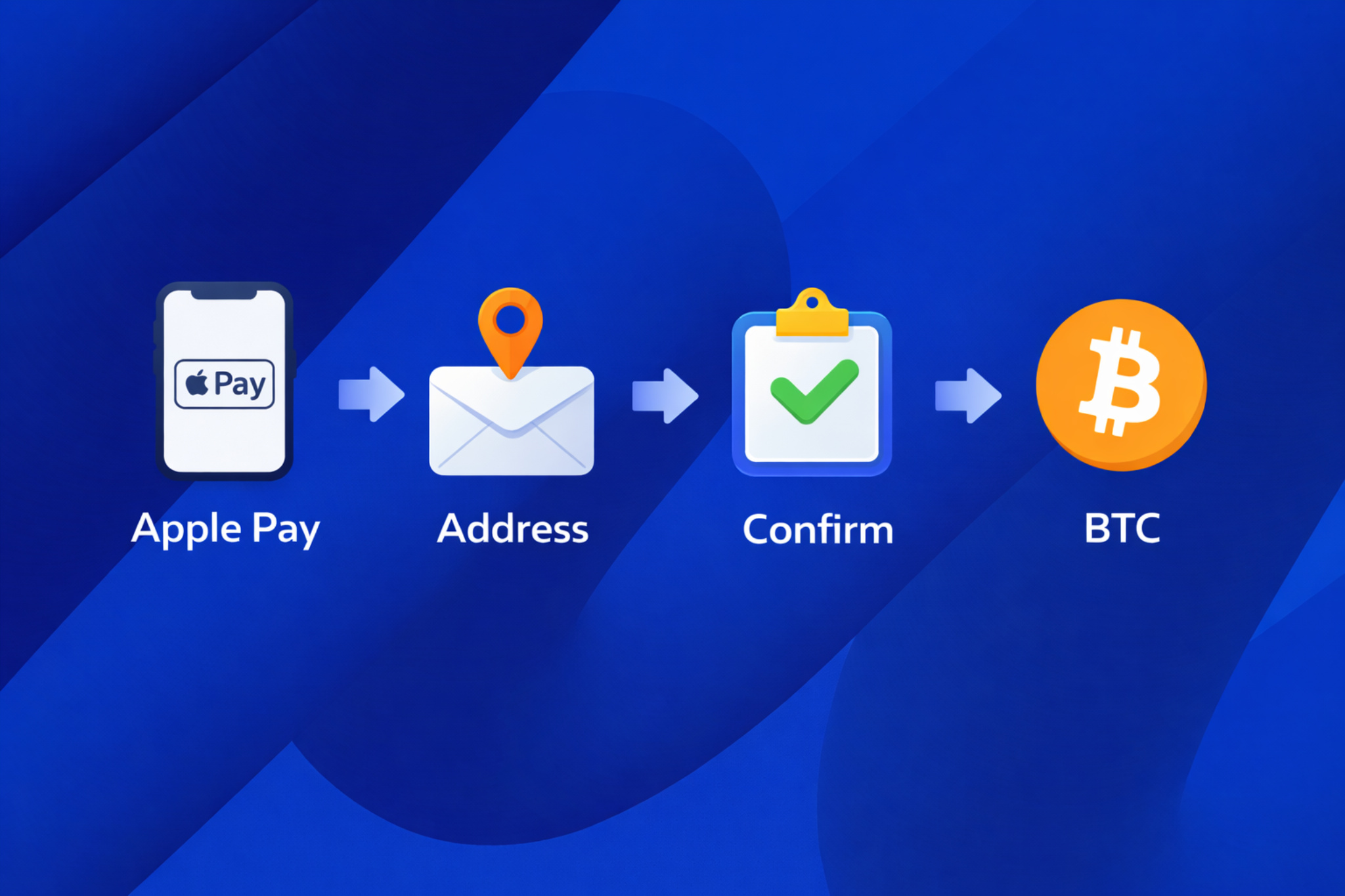
However, using Guardarian will reduce the number of actions needed to buy crypto via Apple Pay. Here is how it will go:
- Choose both fiat and BTC (or other cryptocurrency)
- Complete simple email authentication
- Select Apple Pay as a payment service
- Enter your BTC wallet address
- Pass quick KYC and enter billing info
- Receive your crypto in no time!
While this guide focuses on Bitcoin, the same process applies to stablecoins – for example,
you can buy USDC with Apple Pay following the exact same steps on Guardarian.
Why buy Bitcoin with Apple Pay
Apple Pay is a fast, beginner-friendly way to buy crypto. However, like all payment methods, it has both advantages and drawbacks. Here’s a quick look at both sides.
| Advantages | Disadvantages and restrictions |
| Easier KYC liveness verification (due to easier camera management) | The bank can cancel your payment |
| Less manual input (no need to enter card details) | Limited availability in some regions or on some devices |
| Works well on mobile devices |
As you can see, this payment method has many positive edges. This is why many choose to buy cryptocurrency with Apple Pay instead of other systems.
What you need before you start
At this point, it may still not be quite clear how to buy Bitcoin with Apple Pay for the first time. Some steps in our guide require basic knowledge to complete all steps correctly. This is why we want to share some comprehensive details about essential aspects you will need to achieve your goal.
BTC wallet address
If you want to buy BTC with Apple Pay for the first time, you need a crypto wallet. A simple and secure option is a non-custodial wallet.
A non-custodial wallet means you have full control over your funds. Services like Trust Wallet or MetaMask are popular choices. These wallets give you control over your private keys and make sure no one can delete or ban your wallet.
| Advantages | Disadvantages |
| Full control of your wallet | Losing your seed phrase means losing access forever |
| No one can ban or delete your wallet | If you enter the wrong address, you lose your crypto |
| No fees for maintaining | Full responsibility for the safety of the wallet in terms of security |
| One wallet can be used for various cryptocurrencies at a time |
How to Create a Non-Custodial Crypto Wallet
Here are simple steps to create a non-custodial wallet:
- Choose a service and create a wallet
- Save the seed phrase (this is very important!)
- Create an address for the desired currency (for Bitcoin, create a BTC address)
- Use the address for transactions
Device and conditions
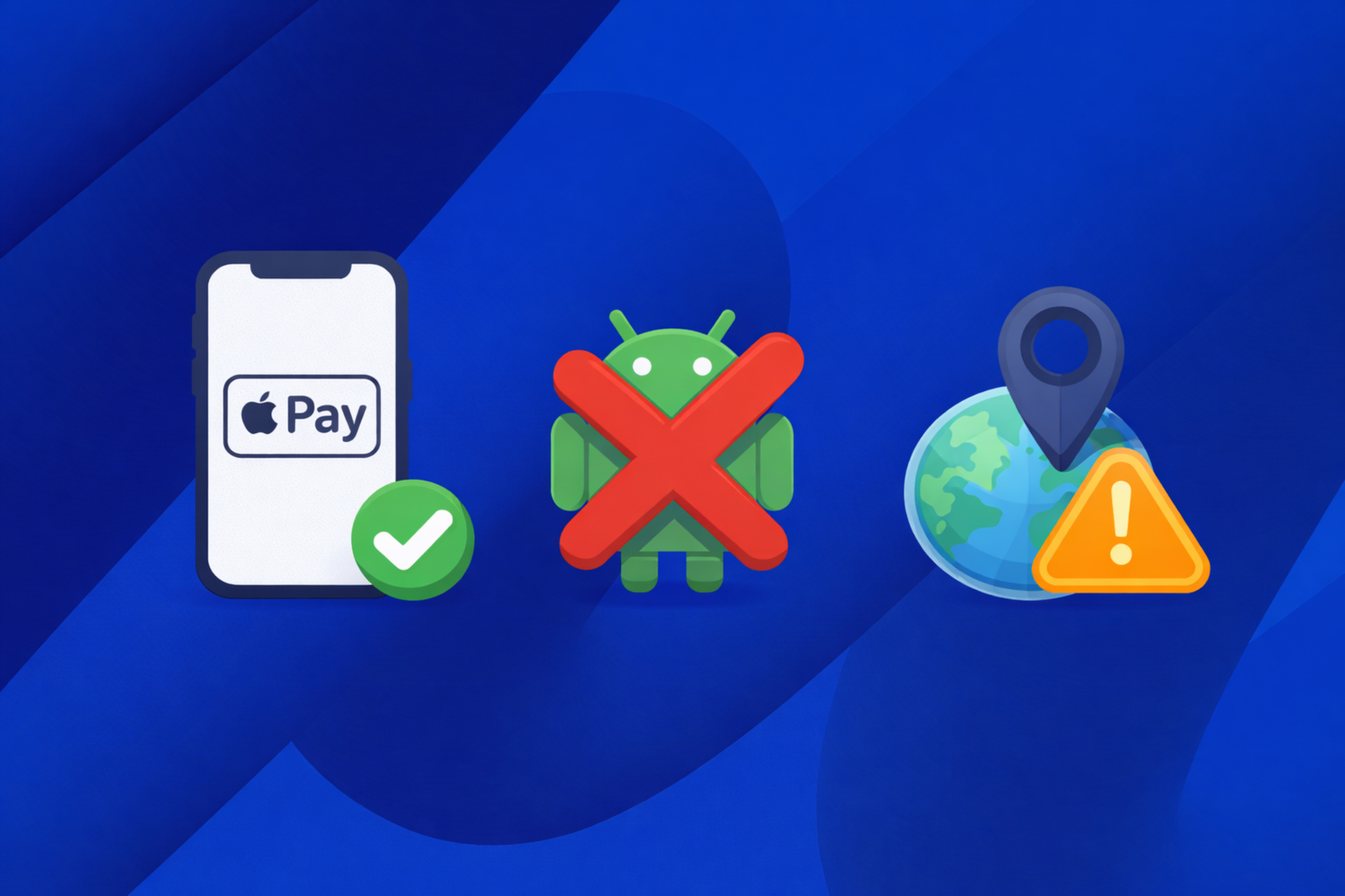
Sometimes Apple Pay can not be shown. Despite being an easy way to buy crypto, doing it with this method, it has some limitations. First, it only works on Apple devices like iPhones. So, if you’re using an Android phone, Apple Pay won’t be available.
Also, Apple has strict rules regarding crypto. You may encounter lower limits (for one-time or daily transactions) when using Apple Pay.
KYC verification
Crypto purchases with Apple Pay require KYC (Know Your Customer) verification to approve your transaction. It is just a way for crypto platforms to make sure you’re really you when buying crypto with fiat. It’s all about keeping things safe and preventing illegal stuff like money laundering. You’ll be asked for some basics like a photo of documents, and a liveness check to confirm your identity. It’s a quick step to ensure everything runs smoothly and legally!
Supported currencies and countries
Apple Pay is strictly tied to the region of the current Apple ID. This means that if you try to make Apple Pay payment for Bitcoin in a different country, your payment can be declined. In such cases, you have to either wait to try this payment method once more or choose another system.
Fees, exchange rate, and what you’ll actually pay
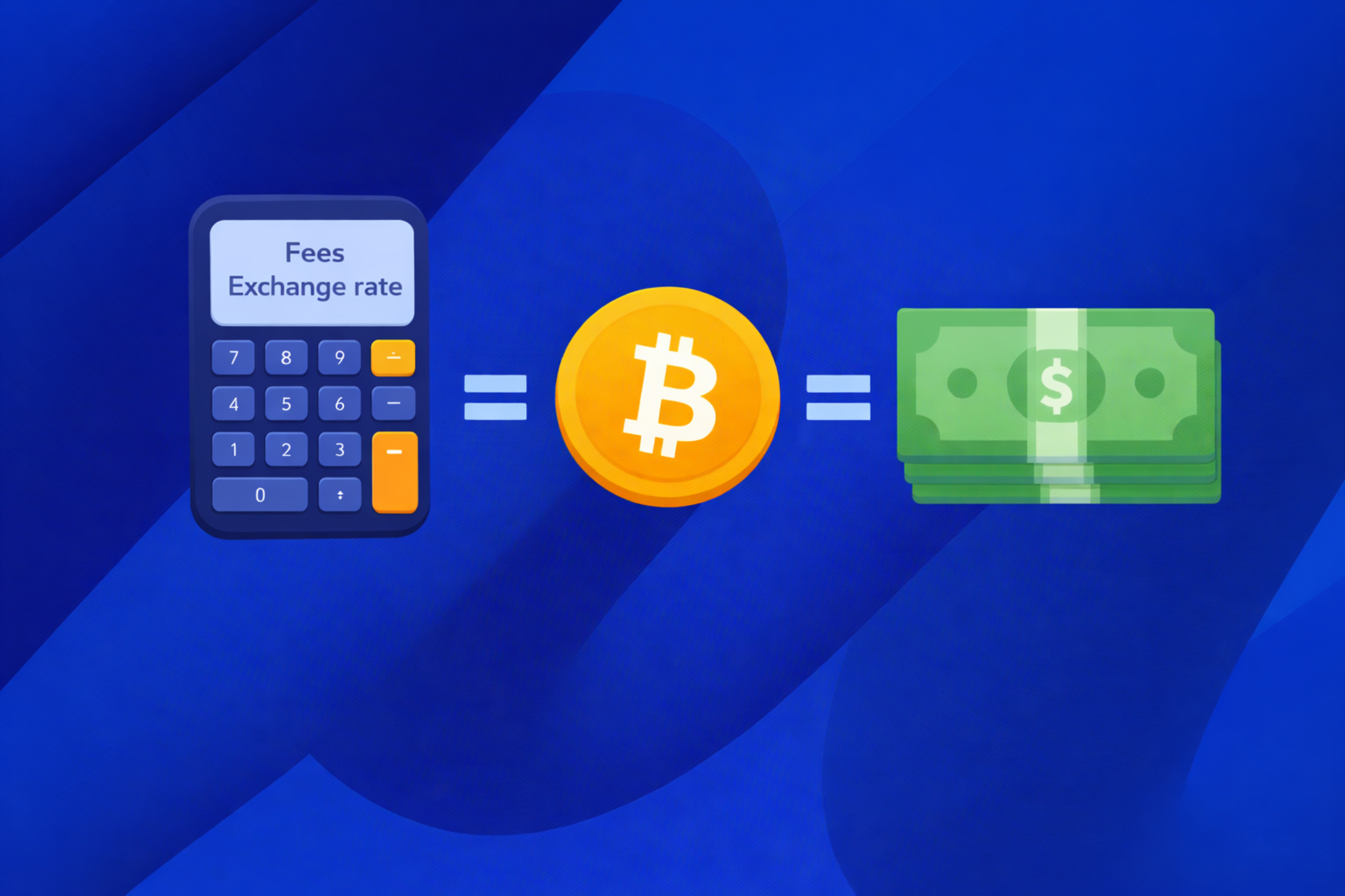
When you’re buying crypto with fiat money, there are a few things to keep in mind, like fees, costs, estimated rates, and platforms that claim to have a “no extra fees” system. Let me break them down in a way that makes sense, even if you’re just starting out.
Fees and costs
Fees are simply the charges that come with buying crypto. This can include a service fee, which is the platform’s cut for helping you buy the crypto, and a network fee, which is a small payment to the blockchain for processing the transaction. For example, when you buy $100 worth of Bitcoin, the platform might charge a 2% service fee, meaning you’ll pay $102 in total.
Then, there’s the cost of the transaction. This includes all the fees together — both the platform’s fee and the network fee. Sometimes, you’ll see extra charges if you use a specific payment method like a credit card, which can make the total cost a bit higher. If you’re used to paying with a bank transfer, you might notice that it’s cheaper, but it takes a bit longer to process.
Estimated rate
Now, the estimated rate is what tells you how much crypto you’re going to get for your fiat money. Think of it like the exchange rate you see when you’re converting currencies. If the rate is $1 = 0.000025 BTC, that means for $100, you’re expected to get 0.0025 BTC. But this rate can change quickly, so when you’re ready to buy, it might be slightly different.
“No extra fees” system
Guardarian and some platforms offer a “no extra fees” system, and that can be a real plus. This means there are no hidden fees on top of what you see upfront. You won’t be surprised by unexpected charges during the payment process.
What you see is what you get. This can make budgeting much easier, as you’ll know exactly how much you’re paying for your crypto without any surprises. It’s a straightforward way to buy, and you can feel confident that there won’t be any additional costs tacked on later.
Step-by-step — Buy Bitcoin with Apple Pay on Guardarian
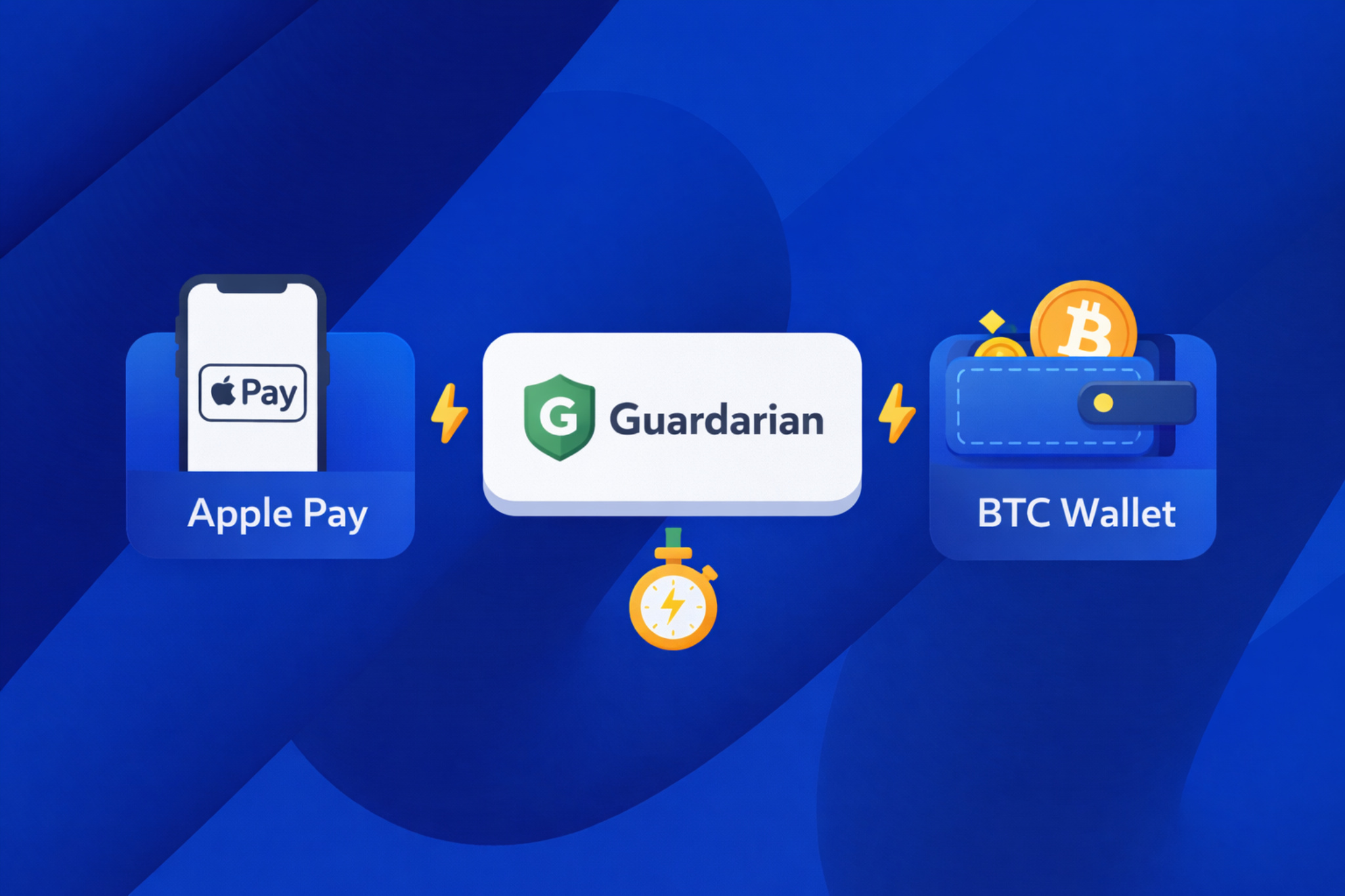
Compared to many other platforms, Guardarian was able to minimize the number of steps required to buy BTC with Apple Pay. Here is how you can achieve an easy Bitcoin purchase with Apple Pay with our service:
- Choose your fiat currency (USD, EUR, etc.), BTC, and the amount
- Confirm Apple Pay as the payment method
- Enter your BTC wallet address (double-check it!)
- Complete simple email authentication
- Enter your billing information
- Pass KYC verification
- Receive Bitcoins in minutes!
Just to make it clear, here is a demonstration of the differences between some other services and Guardarian.
| Other services | Guardarian |
|
More steps to complete a transaction. | Stable and reliable processing speed. Rare delays can occur in the most risky operations. |
|
KYC can take more time. For example, requests for ID/ passport/proof of address/etc. can have longer checking time. |
KYC can be lighter and passed faster than in most services. Especially during smaller transactions. Guardian might request documents for KYC verification. |
| Any payment requires the user to complete KYC. The riskiness of the transaction only varies in the complexity of verification. |
In many cases of small payments, KYC can be shorter. Registration is also unnecessary in favor of quicker payments. |
As we can see, Guardarian lets you buy crypto with Apple Pay without strict conditions, compared to many other platforms.
How long does it take and what “instant” really means
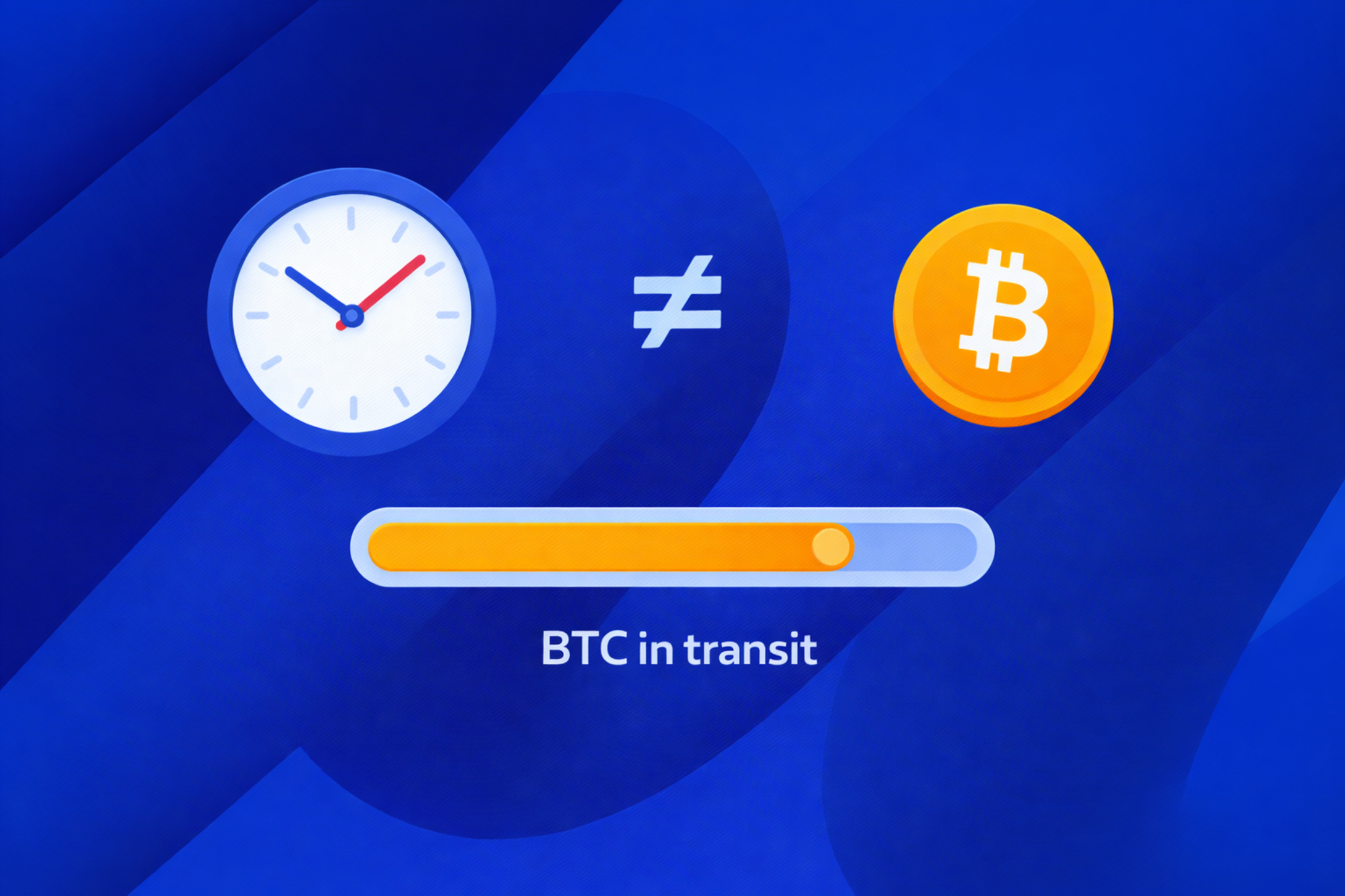
Although crypto transactions are often called “instant,” Bitcoin may not arrive immediately. The payment confirmation happens quickly, but the actual transfer depends on many factors.
When you buy BTC with Apple Pay, you have to keep in mind that things like high loading on the bank or payment system, and mistakes like wrong wallet addresses can occur. In such cases, delays can happen, prolonging the time between initial payment and cryptocurrency delivery.
If you want to learn more about time ranges, read our crypto FAQ section.
Limits and verification
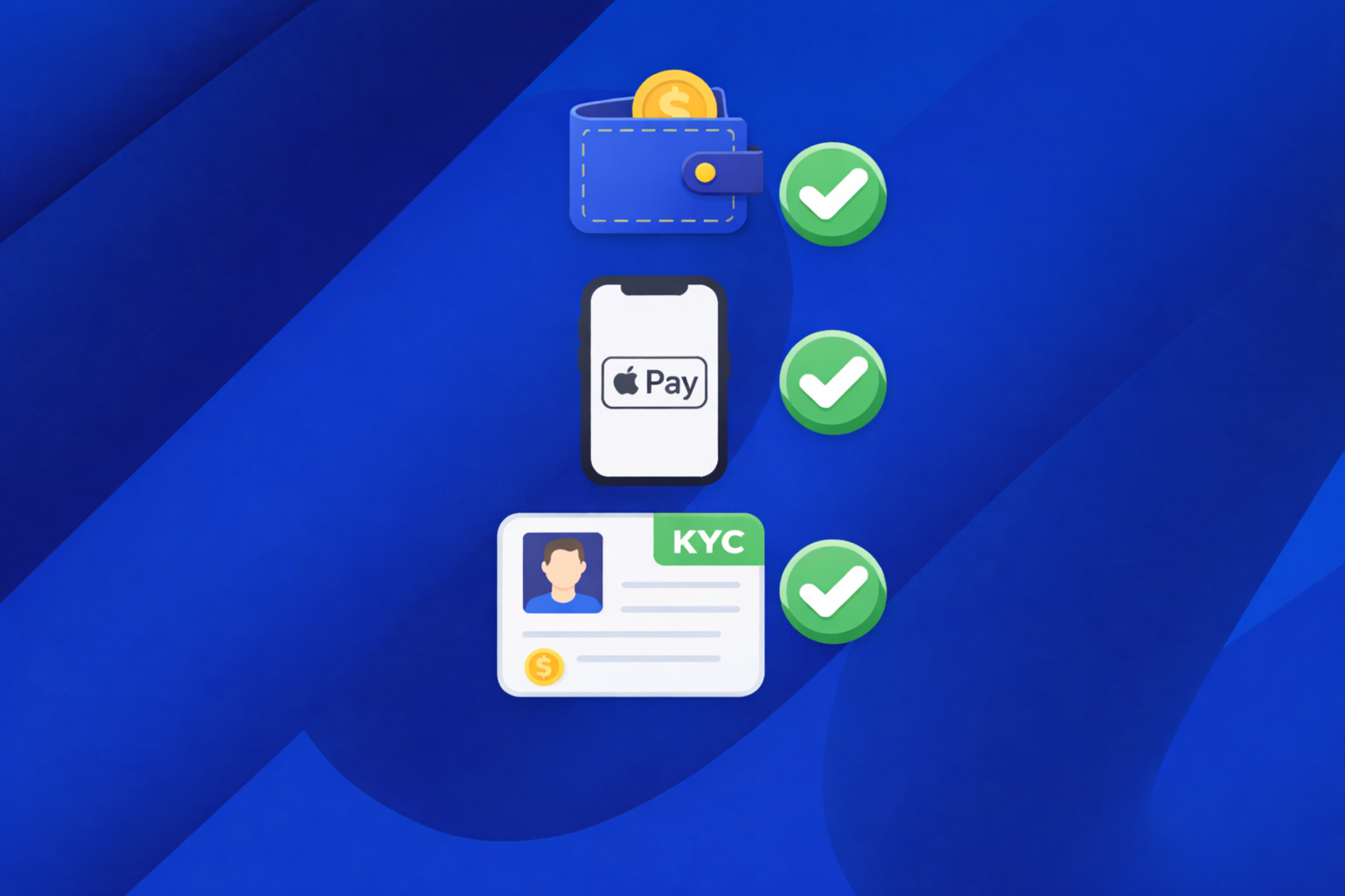
When buying cryptocurrency with fiat money, it’s normal to encounter transaction limits and identity checks. These steps are not meant to slow you down — they exist to make the process safer for everyone involved.
Because crypto transactions cannot be reversed, platforms need to be careful about how payments are processed. Verifying users and monitoring payments helps prevent fraud, the use of stolen cards, and other issues that could harm both users and the platform.
Banks and payment providers also play a role. They set their own rules for crypto-related transactions, which can affect purchase limits and verification requirements. Smaller purchases usually go through with fewer checks, while larger amounts naturally require additional verification.
Over time, as you complete verification and build a transaction history, limits often increase, and the process becomes smoother. That’s why your first purchase may feel more restrictive, while future ones tend to be quicker and easier.
Troubleshooting
Payment declined / bank rejected
This is one of the most common situations, and in most cases, it’s not your fault. Banks are often cautious with crypto payments and may block them automatically. Sometimes the amount is too high, sometimes there are several attempts in a short time, or the transaction simply looks unusual to the bank’s security system.
For example, if you try to purchase BTC late at night from a new platform, the bank may pause the payment just to be safe. A declined payment does not mean your card is broken or permanently blocked — it usually just means the system said: “Let’s double-check this.”
Apple Pay option not showing
If you don’t see Apple Pay as an option, it’s usually because of device or location limitations. Apple Pay only works on supported Apple devices, and it can disappear if your Apple ID country, card country, or current location don’t match.
A very common case is using a VPN or opening the site on an unsupported browser – everything else looks fine, but Apple Pay simply doesn’t show up.
KYC failed or stuck
KYC issues are frustrating, but they’re usually simple. Most delays happen because a document photo is blurry, cropped, expired, or doesn’t match the information you entered. Sometimes the system just sends your case for manual review, which takes longer.
This doesn’t mean you did something wrong. It usually means the platform needs a human to take a quick look and confirm everything is okay.
Wrong wallet address
If you accidentally entered the wrong wallet address when buying crypto, it’s important to act fast. But here’s the thing: double-checking your wallet address every time is crucial. Once the crypto is sent to the wrong address, it’s almost inevitable that you’ll lose your money. So always take a moment to carefully check that address before confirming your transaction – it’s the best way to avoid any mistakes!
Need a refund / cancel transaction
Crypto purchases can’t be canceled once they are processed. If the payment is still pending, a refund might be possible, but it depends on the platform and the payment status.
If the crypto has already been sent to your wallet, refunds are usually not available. When refunds do happen, they can take a few business days to return to your card, which is normal.
Why am I blocked?
Blocks usually happen when the system notices something unusual — for example, a large amount, repeated attempts, incomplete verification, or a mismatch between your country and payment details. The platform can also block transactions associated with criminal activity (like money-laundering/terrorism financing/etc.)
Safety checklist (before you press “Pay”)
Safety during crypto exchanges is always very important for any user. So here’s a quick safety checklist to follow before making your first crypto purchase with Apple Pay:
- Choose a trusted platform
Make sure the website feels reliable and has good reviews. If you’re unsure, it’s always a good idea to see what other people are saying about it. - Always double-check the address
Mistakes with the address can be costly. Before you hit “send,” take a moment to check the first and last few characters of the address. This quick step can save you from big headaches. - Start with a small amount
If it’s your first time, make a small purchase. This way, you’ll get the hang of the process, and it’s easier to fix if something goes wrong. - Be careful and attentive
Learn to recognize phishing links and fake support messages to avoid losing your crypto wallet and money. - Keep all your records
Save all emails and confirmations in case you need to contact support.
Alternatives if Apple Pay isn’t available
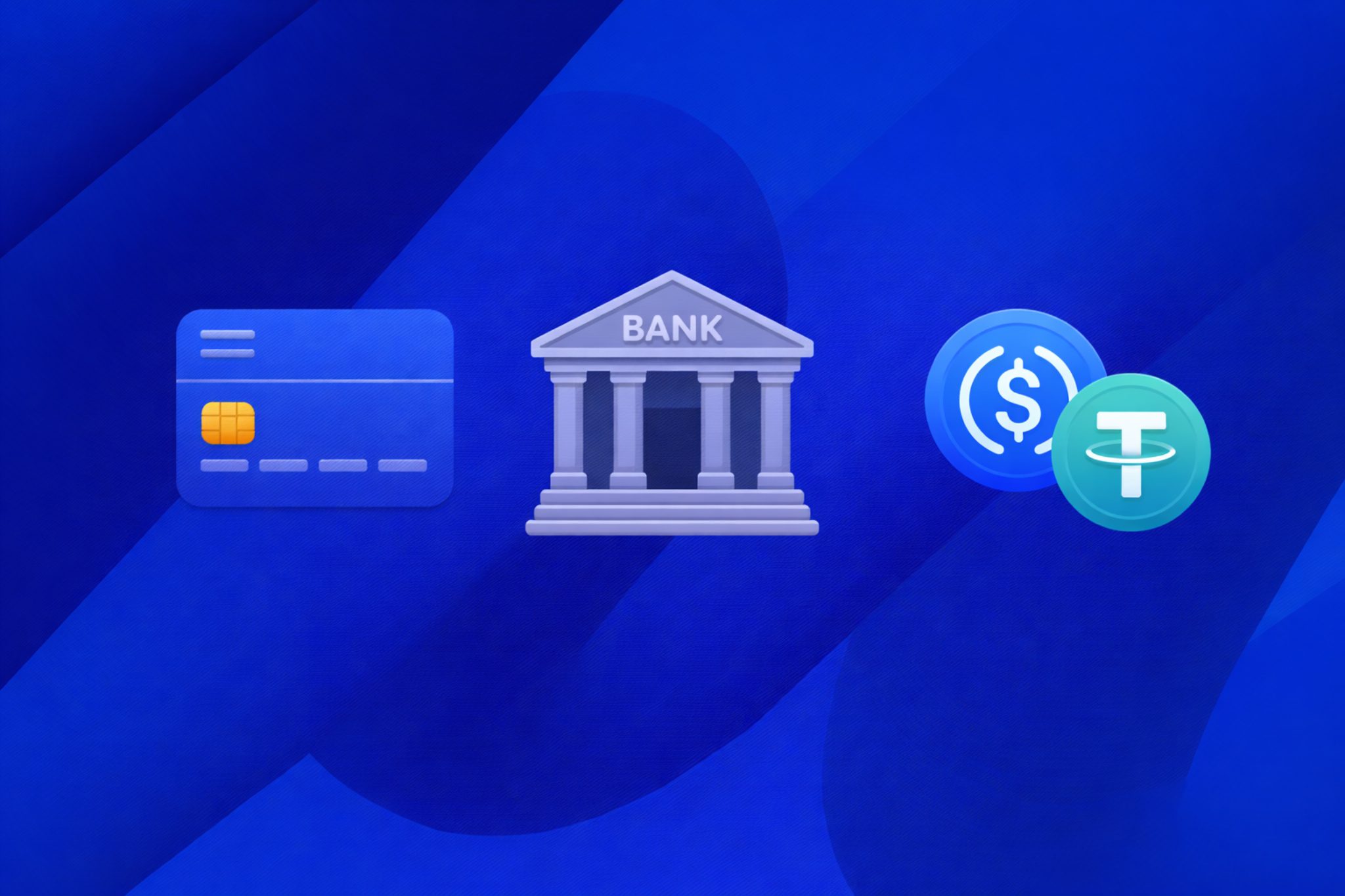
If you can’t buy crypto with Apple Pay, don’t worry! You can still buy Bitcoin with other methods. Many platforms offer options like bank transfers, credit or debit cards, or local e-wallets, depending on where you are. These are easy to use and just as secure for making your purchase!
Last parting words
This guide gives you everything you need to buy Bitcoin with Apple Pay. We covered the basics, the steps, and the troubleshooting tips. If you face any issues, remember, the Guardarian support team is always ready to help!
FAQ
Is it safe to buy BTC with Apple Pay?
Yes, in most cases buying BTC with Apple Pay is safe. This method does not share your card number and requires Face ID or Touch ID to confirm payments. This makes it more secure than typing card details manually. The main risks usually come from choosing an unreliable crypto service or making a mistake, like entering the wrong wallet address.
How long does it take?
Usually, it’s fast. Payment confirmation takes a few seconds, and Bitcoin often arrives within a few minutes. Sometimes it can take longer if the service checks your transaction or if the Bitcoin network is busy. In rare cases, it may take several hours, but delays are normal and do not mean something went wrong.
What fees will I pay?
When buying BTC with Apple Pay, fees are usually higher than with bank transfers. You typically pay the service fee, a payment fee for Apple Pay, and a Bitcoin network fee. Apple Pay is convenient, but it is not the cheapest option.
Why was my payment declined?
This happens quite often and usually has a simple reason. Your bank may block crypto payments, the payment may exceed a limit, or the system may flag it as risky. Using a VPN or having different countries for your card and Apple ID can also cause problems. A declined payment does not always mean your card is blocked.
Do I need KYC every time?
No. Most of the time, KYC is required only once. However, you may be asked again if you increase the amount, change your payment method, or if the system needs extra checks. This is normal and part of how crypto services manage risk.
What are the limits?
Limits depend on the service you use and your verification level. Without verification, limits are usually very low. After completing KYC, limits increase, but Apple Pay still has lower limits than bank transfers. Apple Pay works best for small or medium purchases.
Can I use another payment method?
Yes. Most platforms also support bank cards or bank transfers. It’s a good idea to have another payment option available in case Apple Pay doesn’t work.
What if I entered the wrong address?
Bitcoin transactions cannot be reversed. If you send BTC to the wrong address, the funds are usually lost. Support teams usually cannot recover them. To avoid this, always double-check the address and send a small test amount first.
Why can’t I buy crypto with Apple Pay?
Apple Pay might not be available for a few reasons. Some platforms don’t support it, or it might not be available in your country. Your bank could also block crypto payments, even if Apple Pay works fine. And if you’re using an older Apple device, it might not be compatible.
If you can’t use Apple Pay, you can try other payment options like a credit card or bank transfer.




